

Managing Beneficiaries in EstateCopilot
A short guide to adding beneficiaries in EstateCopilot. Beneficiaries can be added with their name, relationship to the deceased and email address. A beneficiary can inherit a percentage amount from the residue of the estate, a fixed amount and/or specific gifts. The allocation can be selected and the amount entered. Add any specific gifts as appropriate.
Once the beneficiary is added they can be invited to view their allocation in our Beneficiary Portal. This gives them access to a very high level summary of the status of the estate (e.g. Probate Application Submitted), an estimate of their financial allocation based on the assets and debts added to the system. There is no obligation to invite beneficiaries, however it can help them understand the status of the process and see resources that explain the process.
Many beneficiaries find this transparency helpful and it can reduce the communication workload for executors. We make it clear that all financial figures are estimates and that their share of the inheritance many change as assets and debts are discovered and expenses are incurred.
More Videos in This Category

Setting up your Estate in EstateCopilot
Covers the first steps after registering with EstateCopilot to set up your estate. We walk you through a simple 8-step assessment to determine your first set of tasks and whether EstateCopilot is suitable for your estate.

Managing Tasks in EstateCopilot
A quick-start guide to using Tasks in EstateCopilot. See how to view the tasks created after your initial Estate Assessment, change the status of tasks and create new tasks to help manage your work.
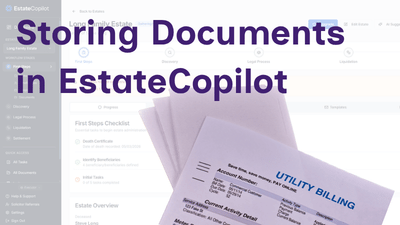
Storing Documents in EstateCopilot
Learn how to store the estate documents securely in EstateCopilot.
We use cookies
We use cookies to enhance your experience, maintain your session, and remember your preferences. Some cookies are essential for the platform to function properly. Learn more in our Privacy Policy